SEO for New Websites: What to Do First and Actionable Frameworks
A brand new website has a fresh layout, an unestablished domain age, zero organic traffic, and zero backlinks. If you rush to spend money on ads or buy backlinks in bulk, 80% of your budget will go down the drain without delivering sustainable results.
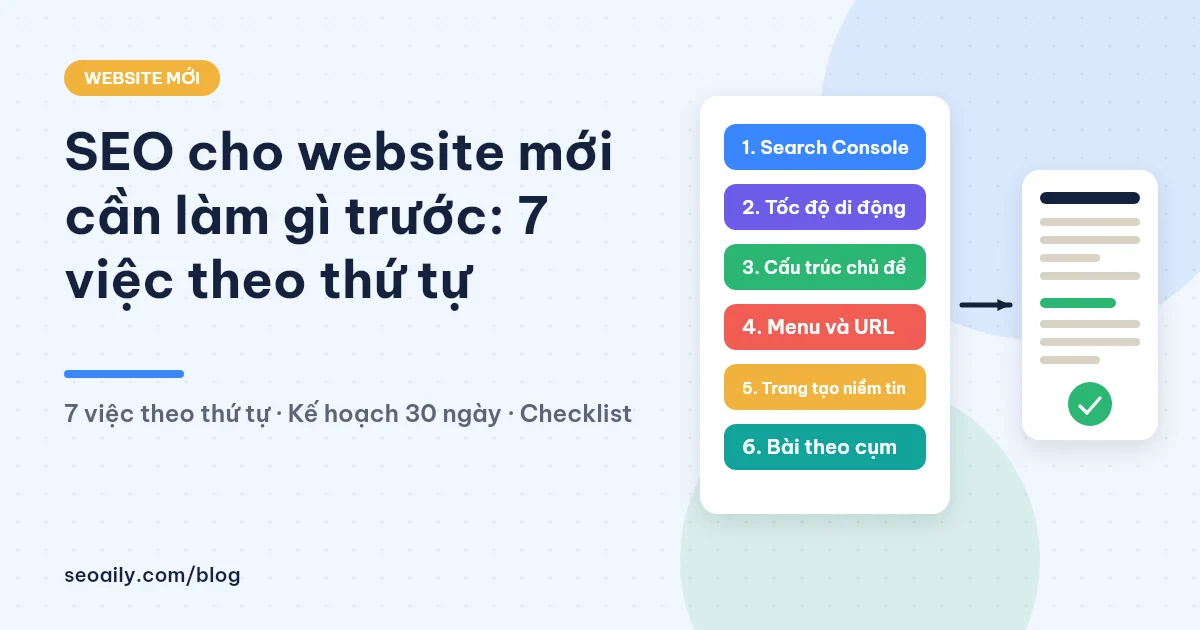
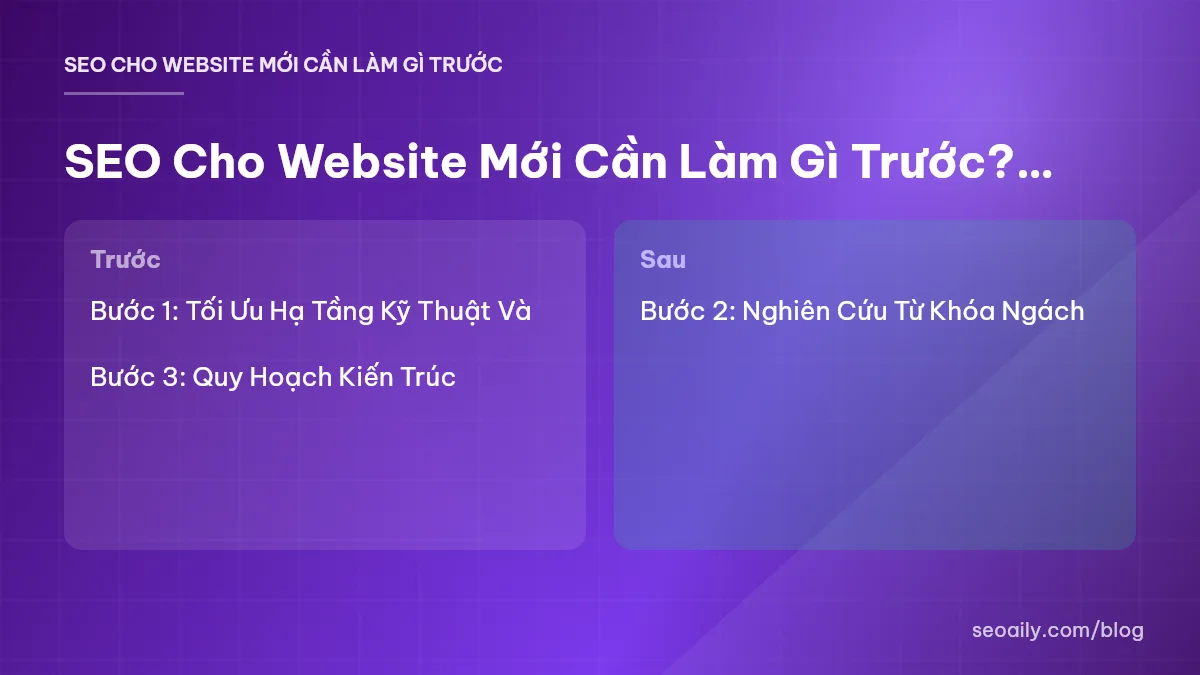
To answer the question of what to do first regarding seo for new websites, you must understand the right priorities: optimizing technical infrastructure, selecting low-competition niche keywords, and rolling out structured content. Below is a 7-step actionable process to help new websites quickly escape the "Google Sandbox" and achieve high rankings on search engine results pages.
Step 1: Optimize Technical Infrastructure and Connect with Google
1.1 Set up Google Search Console and Google Analytics 4
A new website is like a house without a registered address. Your very first task is to connect your domain to Google Search Console (GSC) and Google Analytics 4 (GA4). GSC is your direct communication channel with Google to catch indexing errors, while GA4 tracks user behavior on your pages.
After verifying ownership via a DNS TXT Record, create and submit your sitemap (`sitemap.xml`) to GSC immediately. Ensure your `robots.txt` file does not accidentally block critical directories like `/wp-content/` or main content pages, which would prevent search bots from crawling your data.
1.2 Optimize Core Web Vitals and Mobile Experience
Google has applied Mobile-First Indexing for years, meaning your mobile website version dictates your SEO rankings. A new website needs to achieve passing green scores on Google PageSpeed Insights right from the start, before the database gets cluttered by heavy plugins or excessive articles.
Ensure your three core Core Web Vitals metrics meet standards: LCP (Largest Contentful Paint) under 2.5 seconds, INP (Interaction to Next Paint) under 200ms, and CLS (Cumulative Layout Shift) under 0.1. Compress images to WebP format, enable server-side caching, and read through technical guides from Google Search Central to avoid breaking fundamental technical rules.
Step 2: Niche Keyword Research and Search Intent Mapping
2.1 Focus on Long-Tail Keywords with Low KD
The most common mistake made by new website owners is targeting broad short-tail keywords with massive search volumes like "interior design", "learn English", or "water purifier". A brand new domain with virtually zero Domain Authority cannot compete for top 10 positions against major news outlets or competitors with 5–10 years of SEO history.
The right strategy is targeting long-tail keywords consisting of 3–5 words with a Keyword Difficulty (KD) under 15. For example: Instead of targeting "water purifier", target "nano water purifier for apartment living". Although search volume is only around 100–300 searches/month, conversion rates are much higher and the chance of reaching page one on Google within 30–60 days is exceptionally strong.
2.2 Group Keywords into Topic Clusters
Do not write disjointed, unrelated articles. Group keywords with the same search intent into cohesive topic clusters. A proper Topic Cluster structure consists of 1 broad Pillar Page overviewing the main topic and 5–10 Cluster Articles diving deep into specific sub-topics.
When you thoroughly cover every angle of a niche topic, Google recognizes your website as a domain expert (Topical Authority). This is the golden key to driving your entire website keyword portfolio to the top together.
Step 3: Website Architecture Planning and Internal Linking Structure
3.1 Build a Flat Site Structure
A flat site structure helps both Google bots and users reach information in just a few clicks. The golden rule for user experience and SEO is: Keep any important article no more than 3 clicks away from the Homepage (the 3-click rule).
Avoid overly long URLs or URLs containing complex parameters. Keep URLs short, include the primary keyword, avoid accented characters, and use hyphens `-` to separate words, for example: `domain.com/seo-for-new-websites`.
3.2 Optimize Internal Linking Using the Silo Model
Internal links are the lifeblood passing SEO value (Link Juice) between pages on your website. When a new website lacks external backlinks, internal links become your most powerful weapon to guide Google bots and keep users engaged longer.
Apply the Silo model: Articles within the same topic cluster cross-link to each other and point back to the main category or product page. You can use tools to check on-page SEO scoring features to identify isolated orphan pages or missing internal links.
Step 4: SEO Content Creation and Detailed On-Page Optimization
4.1 Standardize Basic On-Page Elements for Every Article
Every published article must meet fundamental on-page criteria so Google understands precisely what your page is about. Do not skip any details from the checklist below:
- Title Tag: Place the primary keyword near the beginning, keep it 50–60 characters long, and make it compelling enough to boost Click-Through Rate (CTR).
- Meta Description: Summarize the content engagingly, include primary and secondary keywords, and keep length between 140–160 characters.
- Heading Tags (H1, H2, H3): H1 is reserved exclusively for the article title. Use H2 and H3 tags to break down content structure clearly while including LSI semantic keywords.
- Images: Name image files cleanly with keywords (e.g., `seo-new-website.jpg`), compress under 150KB, and always include complete ALT text.
- Keyword Density: Use keywords naturally at a 1–2% density, distributed across the introduction, subheadings, and conclusion.
4.2 Maintain Content Velocity
The Google Freshness algorithm favors websites that update content regularly. If you publish 15 articles in your first 3 days and stay completely silent for the next 2 months, Google will view your website as neglected.
The ideal target for new websites is 3–5 articles per week during the first 3 months. To keep up high content volumes while maintaining strict SEO standards, modern SEO professionals often rely on technologies like automated SEO content writing features from Seoaily to save 80% of research and outlining time.
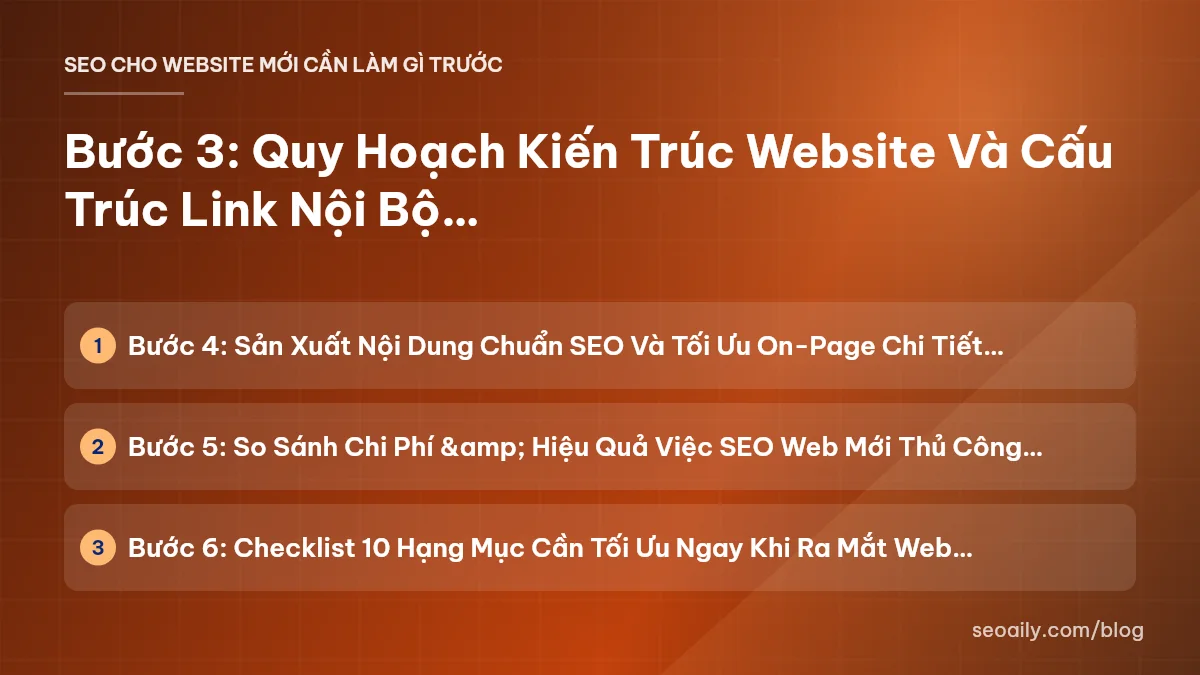
Step 5: Comparing Costs & Efficiency: Manual SEO vs. Automated Tools
To help you visualize the budget and resource investment required when managing SEO for new websites, here is a practical comparison table between two approaches:
| Comparison Criteria | 100% Manual SEO Method | Automated SEO Tools (Seoaily) |
|---|---|---|
| Research & Outlining Time | 2 - 4 hours / article | 5 - 10 minutes / article |
| Personnel / Content Costs | $10 - $25 / SEO article | Save up to 80% on production costs |
| Content Velocity | 8 - 12 articles / month (1 person) | 30 - 60 articles / month easily |
| On-Page SEO Error Rate | Prone to missing ALT, Headings, Meta | Automatic scoring and precise error prompts |
| Scalability | Hard to scale across multiple projects | Scale quickly with centralized management |
If you want to optimize your operational budget for a new project, check out details on SEO tool pricing plans to choose a solution matching your website scale.
Step 6: 10-Point Checklist to Optimize Immediately Upon Launch
Here are 10 must-check items to complete before launching major traffic-driving campaigns for a new website:
- HTTPS (SSL) security certificate installed sitewide.
- Google Search Console & Google Analytics 4 registered and verified.
- Sitemap (`sitemap.xml`) created and submitted.
- `robots.txt` file optimized so it doesn't block Google bots from crawling.
- Responsive design tested across mobile screens.
- All images compressed to WebP and equipped with ALT text.
- URL structure cleaned up to be short, clean, and keyword-inclusive.
- Essential legal pages created (About Us, Contact, Privacy Policy).
- At least 10–15 high-quality articles published within the same niche cluster.
- Internal linking network established between articles following the Silo model.
Frequently Asked Questions About SEO for New Websites
How long does it take for Google to index new website articles?
Indexing time for new websites usually ranges from a few hours to 3–7 days, depending on your web structure and sitemap submission frequency on Google Search Console. If you optimize page speed, avoid blocking bots in robots.txt, and share links on social media, Googlebot will crawl data much faster.
Should a new website build backlinks in the first month?
You should avoid aggressive press or forum backlink campaigns in the first month to prevent triggering the Google Sandbox algorithm. Your focus during the first month should be technical standardization, site structure optimization, and publishing 15–30 high-quality articles to build fundamental Topical Authority.
What Keyword Difficulty (KD) should new websites target?
With a Domain Rating (DR) close to zero, new websites should prioritize long-tail keywords with a Keyword Difficulty (KD) under 15 using tools like Ahrefs or Moz. These keywords have lower search volume (50–300/month) but higher conversion rates and a much faster path to page one.
How many SEO-optimized articles should a new website publish weekly?
The optimal frequency for a new website is consistently publishing 3 to 5 SEO-optimized articles per week. Consistency matters more than sporadic bursts; posting 20 articles in a single day then abandoning the site for a month signals unstable activity to Google.
How do I know if my new website's on-page SEO is optimized?
You can manually check Title tags, Meta Descriptions, H1-H3 headings, image ALT tags, and keyword density. To save time and avoid missing errors, use automated tools to grade on-page optimization directly before publishing.
Conclusion
SEO for new websites isn't a race for backlink volume or short-term tricks. It is a process of building solid technical foundations, understanding customer search intent, and consistently publishing high-quality content.
Want to save time and energy while producing perfectly optimized articles right from your very first publish? Experience AI-powered SEO content writing tools that build outlines from keywords and automatically score on-page execution. Try Seoaily for free today to break through rankings for your new website!