
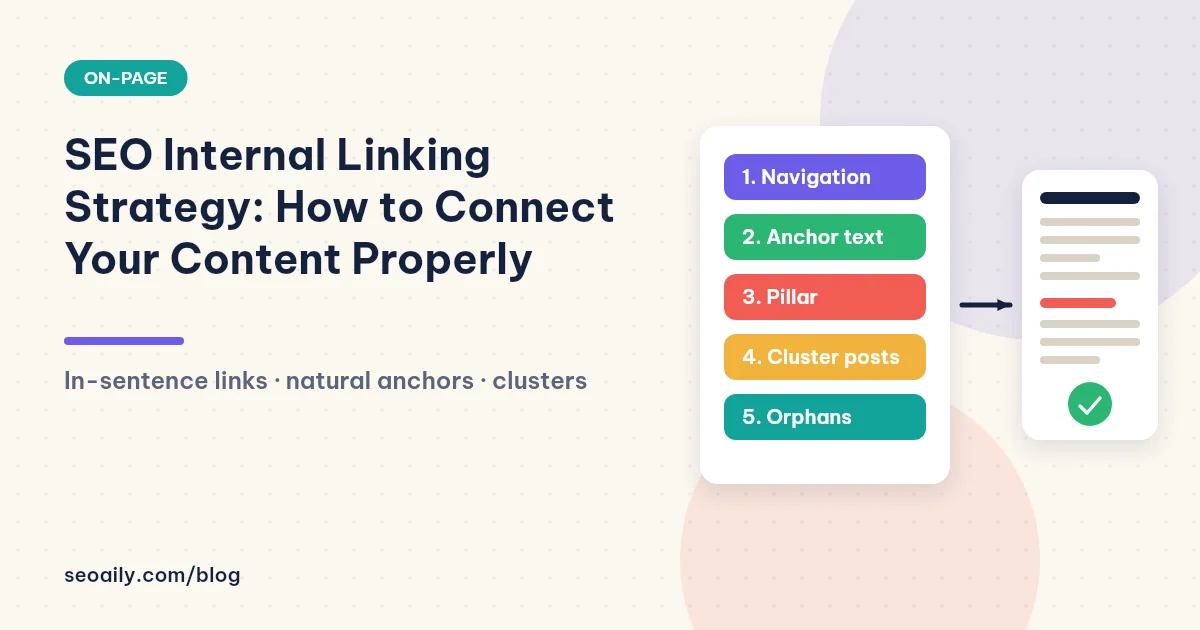
Before: a blog has sixty articles, each acting like an isolated island. Readers land on a post, finish reading, and leave because there is no path leading to related content. Google also sees fragmented pages without knowing which one is the main authority on a topic. After: those same sixty articles are connected with well-placed links, allowing readers to flow seamlessly from one post to the next, while important pages receive significantly more authority signals.
You do not need to write more articles; you just need to connect them correctly. This guide covers a complete seo internal linking strategy: what internal links do, where to point them, how to write natural anchor text, topic cluster structures, and how to find and fix orphan pages on your website.
What you will learn from this article
- How internal links benefit both readers and search engines.
- How to place contextual links with anchor text that accurately describes the target page.
- The topic cluster model: how pillar and cluster pages connect to each other.
- A step-by-step process for finding orphan pages and updating old content.
What is an internal link and why does it matter?
An internal link is a hyperlink pointing from one page to another on the same website. Menus, footers, and breadcrumbs are internal links, but this article focuses on the most valuable type: links placed directly inside the content body, within actual sentences.
According to Google's documentation on how to create crawlable links, search engines use links to discover new pages and understand relationships between them. Link text helps both users and search engines understand what the destination page is about. For new websites, internal links are the primary way Google discovers newly published posts.
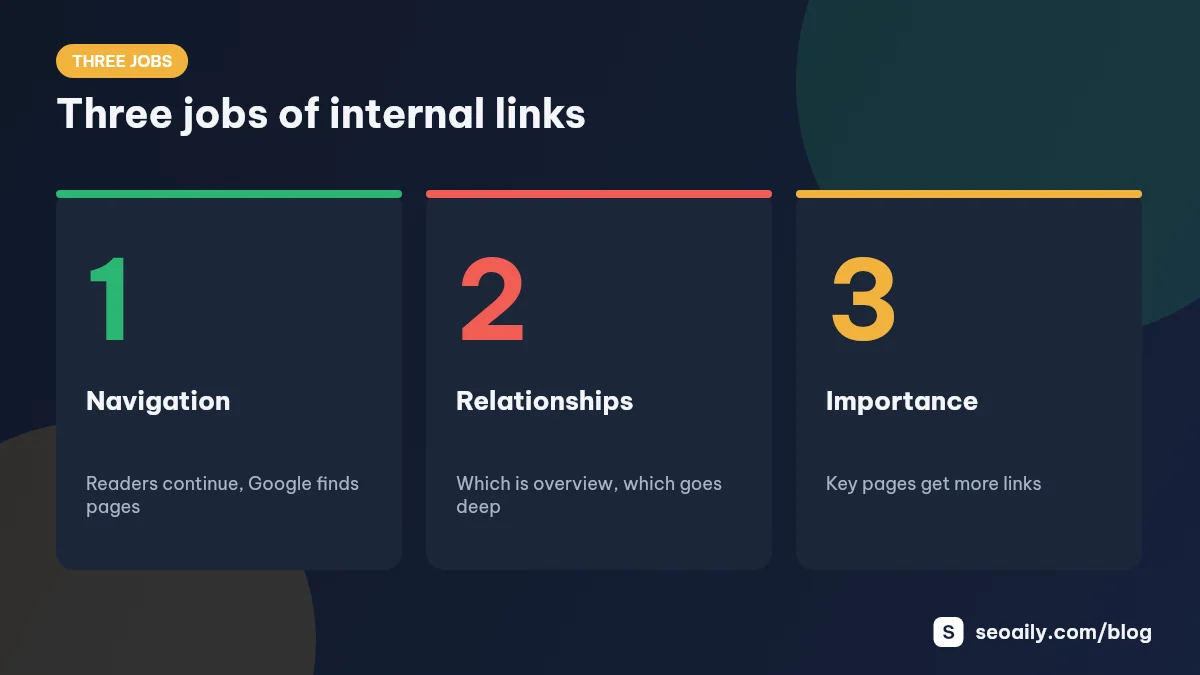
Three functions of internal links
| Function | For Readers | For Google |
|---|---|---|
| Wayfinding | Guides them to needed info without forcing a return to search results | Discovers new pages and enables deeper crawling |
| Relationship building | Clarifies which article is an overview and which goes deep | Understands page topics through contextual anchor text |
| Authority distribution | Highlights key pages across multiple locations for easy access | Considers pages with many incoming links more important |
Orphan pages—pages with zero incoming internal links—lose all three benefits. Readers only find them via search, while Google may take much longer to discover and evaluate them.
How to execute a strong SEO internal linking strategy
Place links in contextual sentences
The best links sit within sentences that naturally discuss the exact topic of the target page. For example: "Before publishing, check your post against our SEO content scoring checklist before publishing." Readers immediately understand where clicking will take them and why.
Use descriptive anchor text
Anchor text is the clickable text itself. Write it using natural phrases that summarize the destination page, usually closely related to its primary keyword. Avoid generic terms like "click here," "read more," or "here," as they offer zero context about the link destination.
Avoid repeating the exact same anchor text
If ten different articles point to the same page using the exact same keyword phrase, it looks unnatural. Use varied phrasing with the same meaning: "content scoring guide," "pre-publish checklist," or "on-page criteria." Each variation accurately describes the destination.
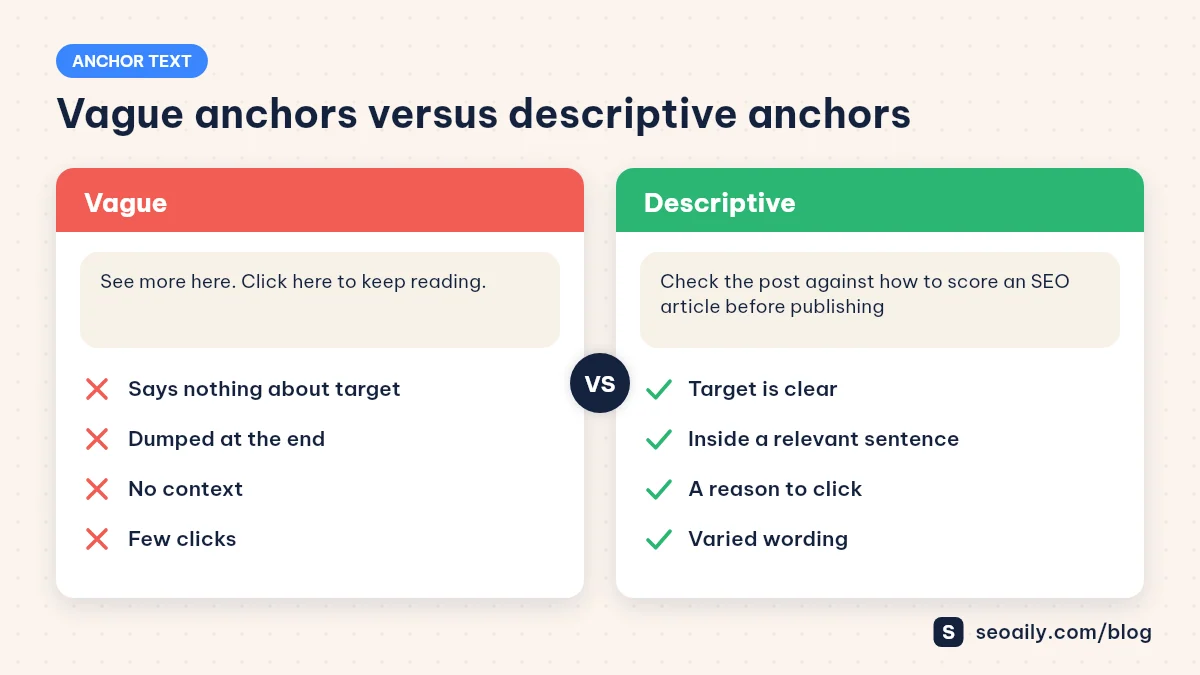
What not to do: Bundle five links into a "Read more:" block at the very bottom of an article. Readers rarely click them, and the links lose their contextual explanation.
Topic clusters: pillar and cluster content
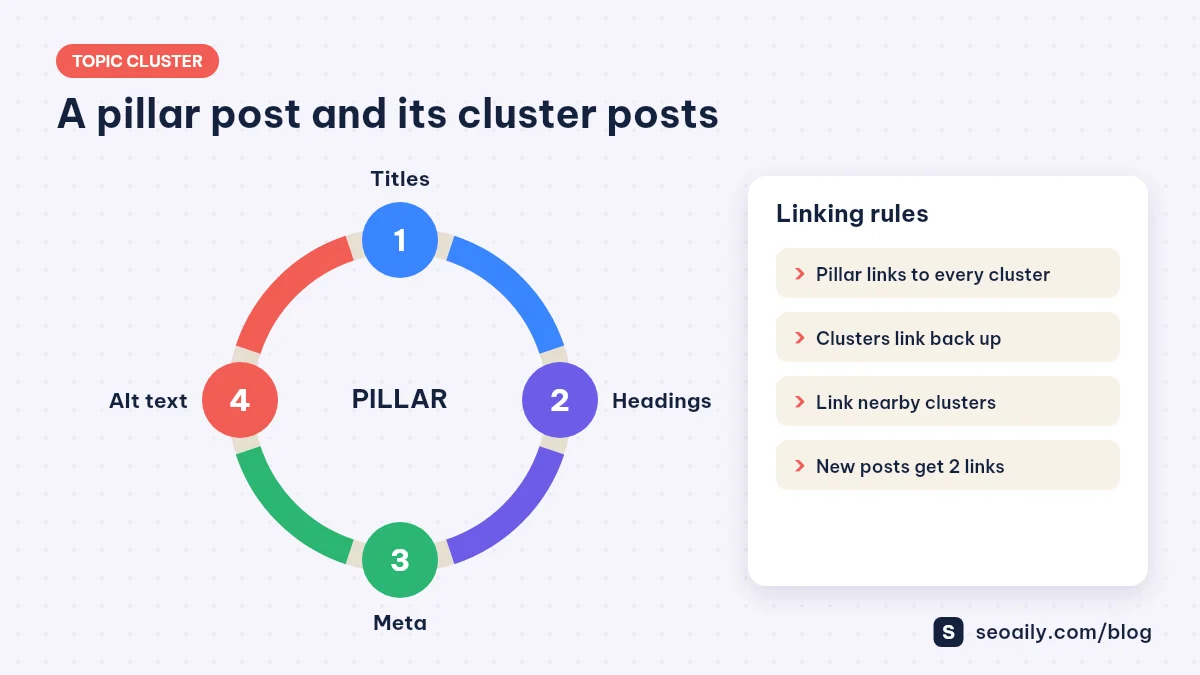
The most effective way to organize an internal linking strategy is through topic clusters. Each cluster features a comprehensive pillar page covering a broad topic, supported by multiple cluster posts diving into specific sub-questions. The pillar page links down to all cluster pieces, while each cluster post links back up to the pillar and across to one or two closely related cluster pages.
For example, an "SEO writing" cluster has a pillar page on the writing process, with satellite posts covering titles, headings, meta descriptions, image alt text, and keyword density. This model is explained in detail in our guide on what content clusters are.
- Pillar page → all cluster posts: Mention every satellite post within the relevant section of the pillar guide.
- Cluster post → pillar page: Usually placed in the intro or conclusion to point back to the big picture.
- Cluster post → neighboring cluster post: Only when truly relevant, one or two links are enough.
- New post → old post and vice versa: When publishing new content, update a few related older articles to link to it.
How many internal links are enough?
There is no magic number. A long-form blog post usually features several contextual internal links placed wherever genuinely helpful. The right question is not "how many?" but rather "at this exact spot, would the reader want to continue to that other page?" If yes, add a link. If you have to force it, leave it out.
Also avoid stacking multiple links close together in a single short paragraph. When a sentence contains three or four links, readers get overwhelmed and usually click none. One link per paragraph, placed on the most important phrase, is usually plenty.
For newly published content, a practical rule of thumb is: ensure at least two links point to it from relevant older posts. This is the fastest way to keep new content from becoming an orphan page.
Finding and fixing orphan pages
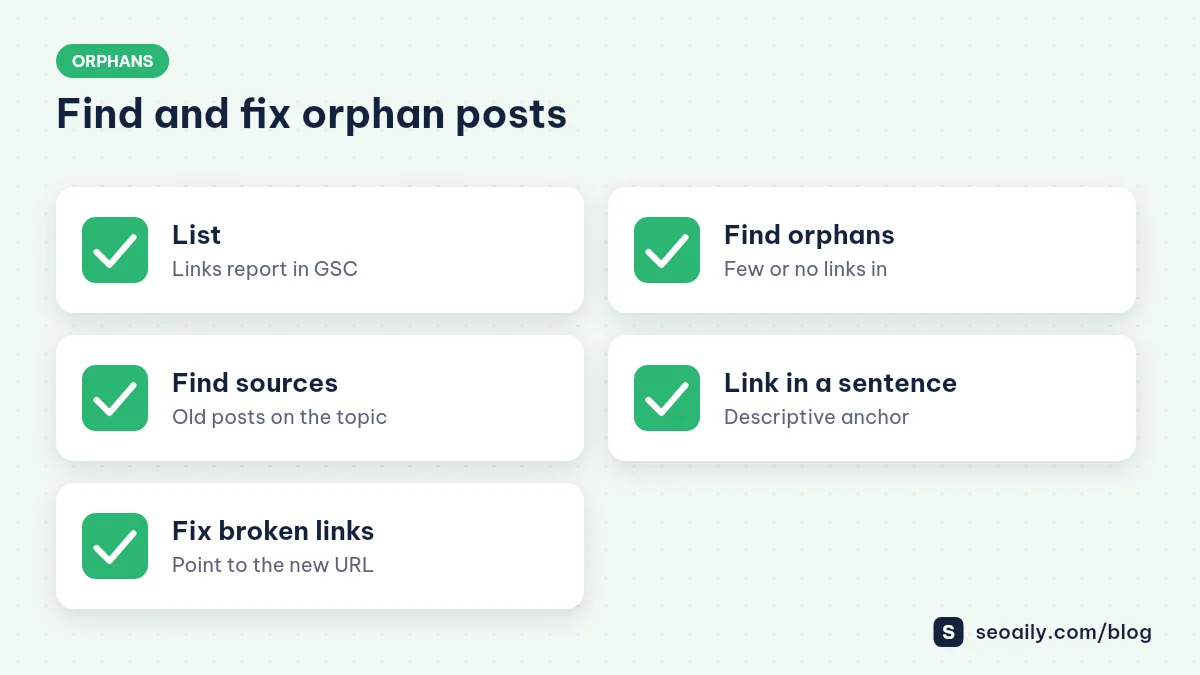
Google Search Console features a Links report where the internal links section shows which pages receive the most internal links. Important pages sitting at the bottom of the list—or missing entirely—need more links built to them.
- List pages: Export your internal linking report and compare it against your complete article inventory.
- Find orphans: Which posts have zero or only one incoming internal link?
- Source links: Scan your blog for older articles that touch on the topic of the orphan page.
- Contextual integration: Edit existing sentences to embed links, or add a short contextual sentence.
- Check broken links: Internal links pointing to deleted or changed URLs should be redirected straight to the new destinations.
Internal linking record template for older content
TARGET PAGE: [URL of new post / orphan page]
Primary keyword: [keyword]
| Source Article        | Linking Sentence                     | Anchor Text            |
|-----------------------|--------------------------------------|------------------------|
| [related old post 1]  | [existing sentence or new addition]  | [descriptive phrase]   |
| [related old post 2]  | [ ]                                  | [ ]                    |
Date added: [ ]   Added by: [ ]
Try it now: Pick your most recently published article, find two older posts covering related topics, and add a contextual link from each. In ten minutes, your new post is no longer an orphan.
Example: restructuring a sixty-article blog
A pet care demo blog has sixty articles, most featuring only menu navigation links. The owner organizes posts into four clusters: dogs, cats, nutrition, and health. For each cluster, they choose a comprehensive overview as a pillar page and write short contextual snippets within that pillar pointing to every cluster article.
Next, each cluster post receives an upward link pointing to the pillar page in its introduction, plus one link to a neighboring cluster post. Uncategorized articles are reviewed: some are merged into others, while others become foundations for brand-new clusters. No brand-new articles were written, but every page now has clear entry and exit paths, giving readers compelling reasons to stay longer.
Frequently asked questions
Do internal links help improve rankings?
Internal links help Google discover and understand pages while distributing link equity across your site. This lays the groundwork for pages to rank well, though content quality remains the primary deciding factor.
Should anchor text contain the exact keyword of the target page?
It can when natural. Vary your phrasing as long as it accurately describes the destination page. Repeating the exact same keyword phrase in every single link looks unnatural.
Should internal links open in a new tab?
Usually unnecessary. Internal links opening in the same tab let readers continue their journey naturally and use the back button when needed.
Should I link from new posts to old posts?
Yes, when relevant. The reverse direction is even more critical: update old posts to link to new content so new articles avoid orphan status.
Do links in the navigation menu count as internal links?
Yes, but in-content contextual links provide much clearer signals, helping both readers and search engines understand page relationships better.
Conclusion: connecting your content into a system
A successful seo internal linking strategy requires no complex technical setup: place contextual links within sentences, use descriptive anchor text, organize around topic clusters, and eliminate orphan pages. Make this a habit every time you publish new content, and your website will evolve into a cohesive system that both readers and search engines navigate effortlessly.
Seoaily builds content outlines based on search intent and scores your drafts before publishing, leaving you more time to focus on connecting your articles together. Try Seoaily for free.